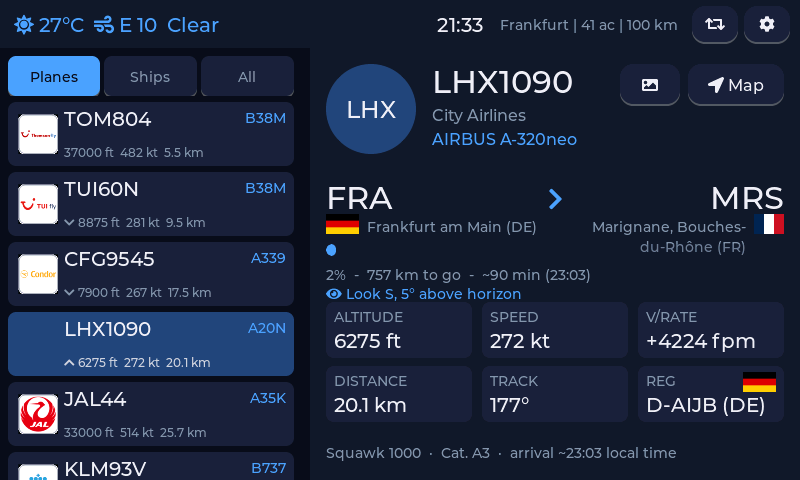
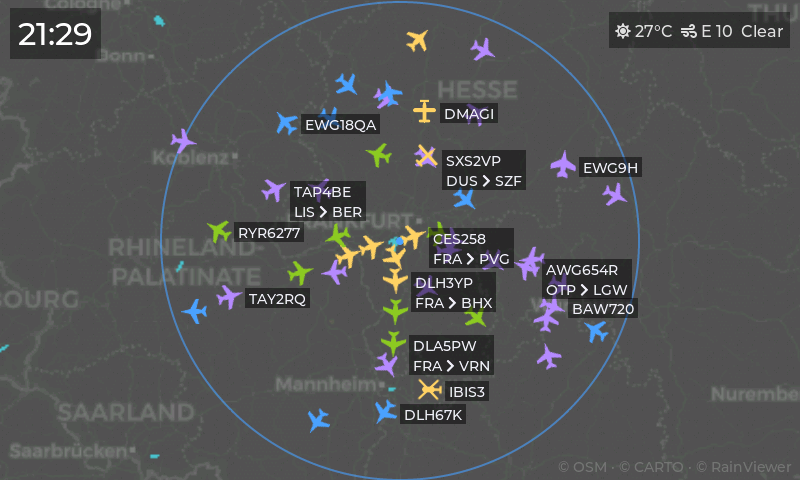
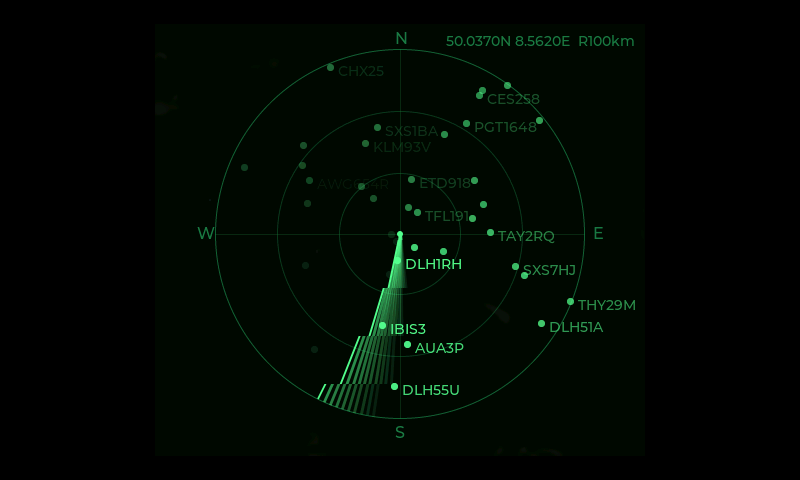
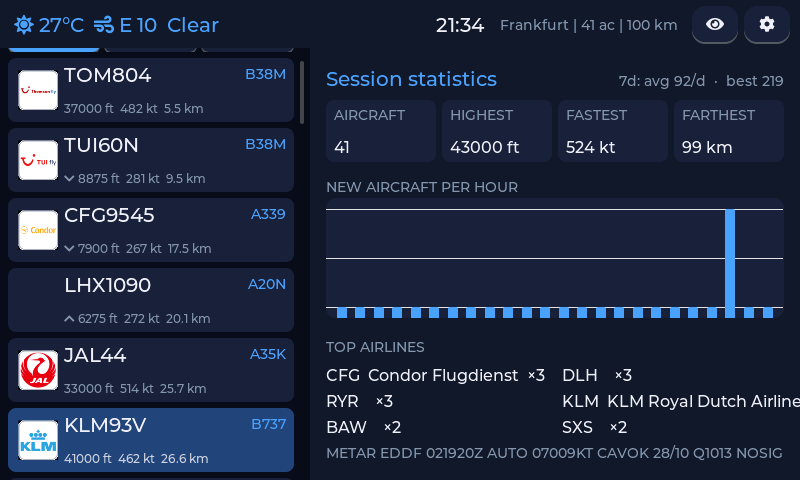
Connect the board over USB, click Install, pick the serial port. Everything -
firmware, airline logos, maps, airport database - is written in one go. Chrome or Edge on desktop
required (Web Serial).
16 MB boards: Waveshare 7 and most others
8 MB boards: Waveshare 4.3 with the N8R8 module
Guition JC8048W550
Waveshare 7B (1024×600)
Sunton ESP32-4827S043 (4.3", capacitive)
M5Stack Tab5
Sunton ESP32-8048S070 (7″) and clones
Waveshare 7C / 7C BOX
BigTreeTech Panda Touch (replaces the Bambu-remote firmware; back it up first)
Elecrow CrowPanel 7.0 and 7″ Amazon rebrands (4 MB: updates via this flasher, no OTA)
Elecrow CrowPanel Advance 7.0 (DIS02170A, hardware V1.2 and up)
Guition JC8012P4A1 10.1″ (panel revision V1; V2 lives on the test page)
Unbranded 7″ board and not sure which of the two
it is? Sellers ship both designs under identical listings. Read the metal ESP32 module on
the PCB: N16R8 = the Sunton build, N4R8 = the CrowPanel 7.0 build.
A genuine Sunton also has "8048S070" printed on the board. Picked wrong? Nothing
breaks - the screen just stays black; flash the other one.
Updating? Leave Erase device unchecked and your
Wi-Fi and settings survive. Check it only for a first install.
Android instead? Grab esp32flight-v0.4.5.apk from the
latest release. After the first
flash, updates go over the air from the device's web panel.